
AI ContentDesignGTM
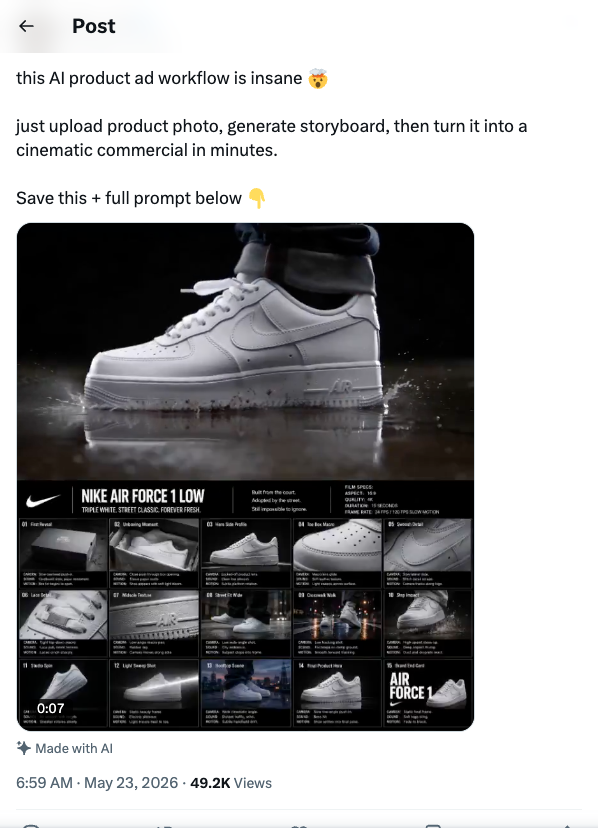
Product photo → storyboard → cinematic ad
Upload a product photo. Get a cinematic commercial back. No camera. No agency.
Workflow
1. Start with a clean product photo — neutral background, good lighting. 2. Upload to Krea AI or Ideogram. Prompt it to generate storyboard frames: scene descriptions, camera angles, lighting cues. 3. Feed each storyboard frame into Runway Gen-4 or Kling 2.0. Generate the video clip per scene. 4. Stitch clips in CapCut or DaVinci Resolve. 5. Watch the full cut. Check brand accuracy. Fix any scene that feels off. 6. Post.
Tools
Krea AI or Ideogram (storyboard), Runway Gen-4 or Kling 2.0 (video), CapCut or DaVinci Resolve (edit)